How to Make a Viral AI Video Without Writing Prompts
Make a viral AI video from one photo by picking a trending template, with no prompts. See real results, credit prices and how it compares.
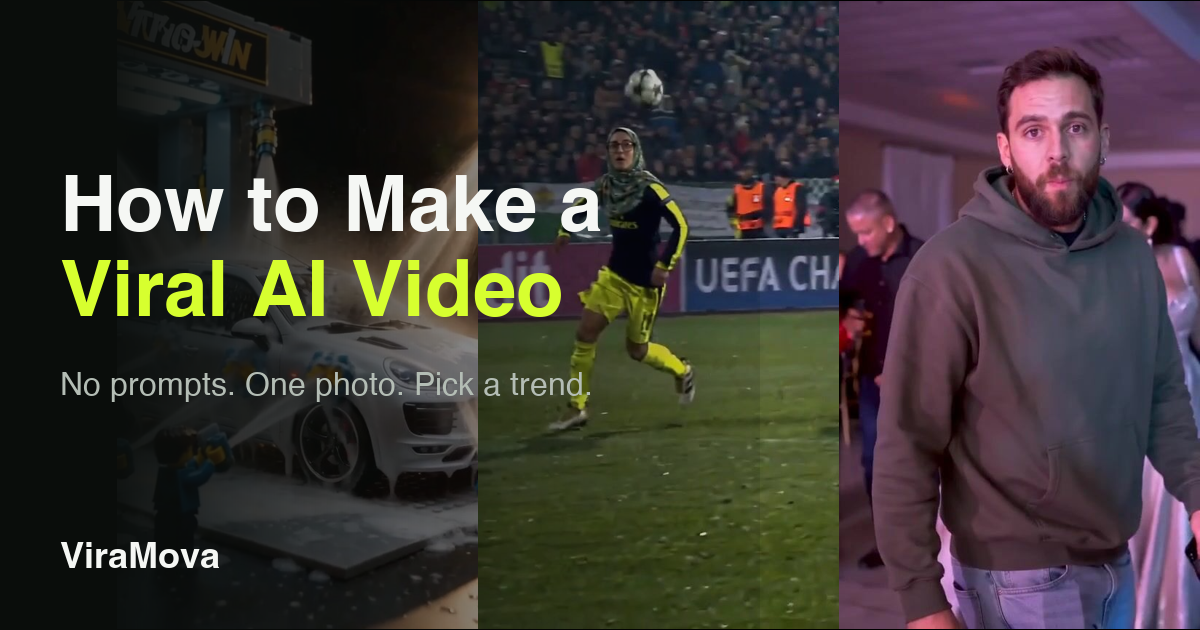
The easiest way to make a viral AI video is to start from a trend that is already working, not from a blank prompt box. Pick a template for that trend, upload the photo it asks for, and the AI video is made for you in the same style. This guide shows how that works, what real results look like, and what it costs.
What makes an AI video go viral
A viral AI video is rarely about the tool. It is a format people already recognise: a chip over the goalkeeper, a tiny car wash, a dance everyone has seen. The viewer gets the joke in the first second, and the new part is that the person in it is you, or your friend, or your dog.
That is why prompts are the wrong starting point. A general AI video tool asks you to describe a scene, and you have to guess what wording will reproduce a trend that someone else spent days getting right. A template does the opposite. The scene, the camera moves, the timing and the sound are fixed, and only your photo changes.
How to make a viral AI video in 4 steps
- Pick a trend. Open the template library or the trending page and choose a format you have seen on TikTok, Reels or Shorts.
- Upload the photo it asks for. Each template says how many photos it needs and what makes a good one. Most need one clear photo with the face fully in view.
- Choose the quality and generate. The price in credits is shown before you start, so an AI video never has a surprise price.
- Download and post. The AI video is ready in the same vertical format the trend uses.
There is no editor to learn and nothing to type. If a template does not suit your photo, the page says so before you spend anything.
Real viral AI video results
These are frames from templates on ViraMova, made with one photo each. The soccer clip is the Ozil Goal trend, the car wash is the Lego Car Wash trend, and the third is the Bby Wow Dance trend.
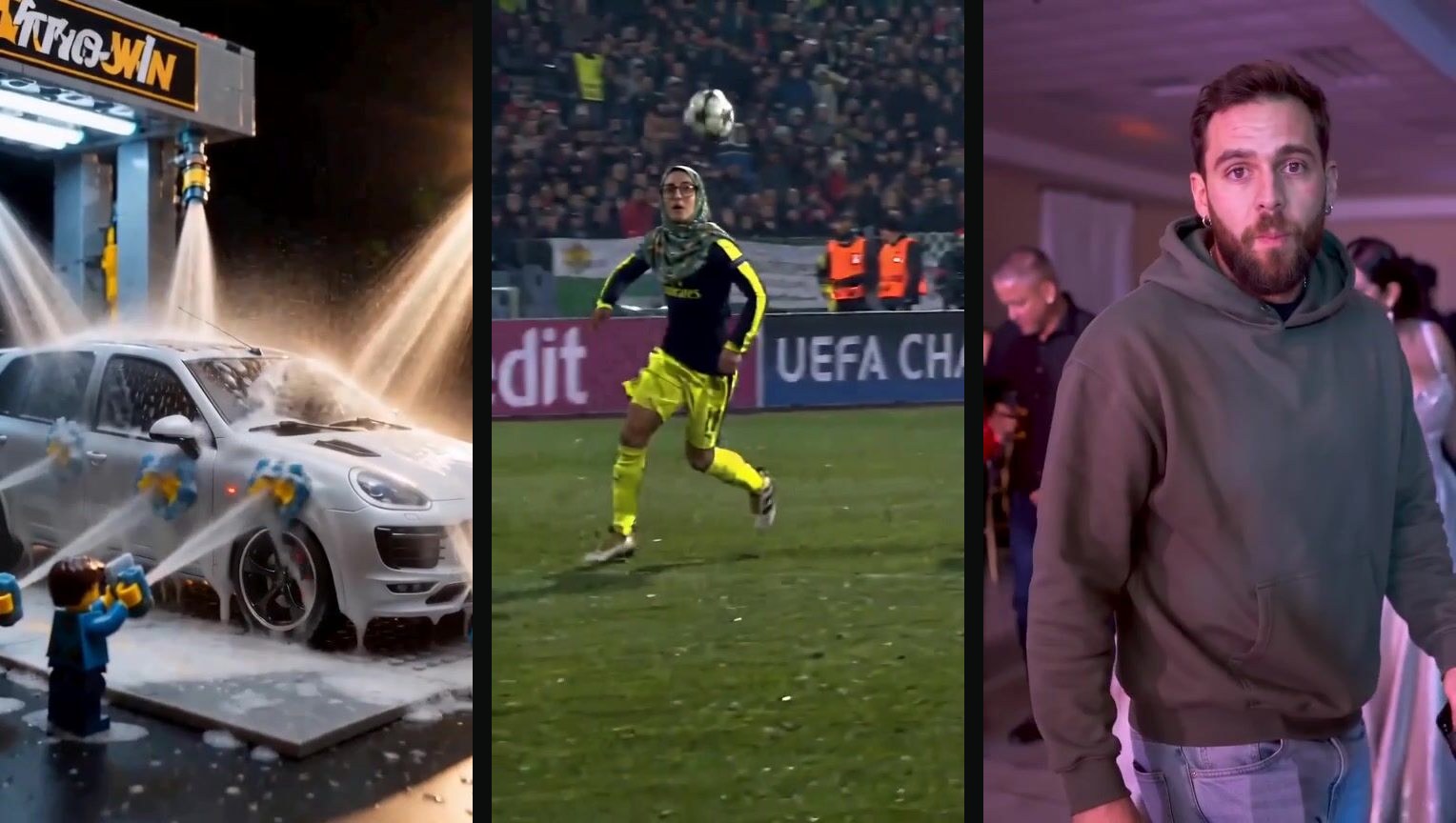
Each template page shows the full sample video next to the original trend, so you can judge the result before you upload anything. You can try Ozil Goal, Lego Car Wash or Bby Wow Dance.
What a viral AI video costs
Every template shows its price in credits on its own page. These are the standard-quality (480p) prices of four templates on the site today:
| Template | Photos needed | Credits (480p) |
|---|---|---|
| Bby Wow Dance | 1 | 499 |
| Zombie Couple | 2 | 532 |
| Lego Car Wash | 1 | 689 |
| Ozil Goal | 1 | 689 |
Credits come in packs or monthly plans, and the full list is on the pricing page. The smallest pack is 800 credits for $9.99. If a video fails to generate, the credits are returned.
ViraMova vs general AI video tools
A general AI video tool is more flexible. A template tool is faster for one specific job: copying a trend with your own photo. Which one fits depends on what you are making.
| Template tool | General AI video tool | |
|---|---|---|
| Starting point | A trend you picked | A blank prompt |
| What you write | Nothing | A scene description, often several tries |
| Result | Matches the trend's format | Depends on your wording |
| Price known first | Yes, per template | Often per attempt |
| Best for | Joining a trend quickly | Original scenes |
If you want a one-off scene that no trend covers, a general tool is the better choice. If you want the video that is already getting views, with your photo in it, use a template.
How to get a better viral AI video from your photo
The photo matters more than anything else you can change in an AI video. A clear, front-facing photo with the face fully visible and nothing covering it gives the model the most to work with. Avoid group photos for one-person templates, heavy filters and sunglasses. Templates that need two photos say so on their page, such as Zombie Couple.
Sound is part of most trends in an AI video, so turn it on when you preview the result. Post at the original trend's length rather than trimming it, because the timing is part of what people recognise.
Is it safe to upload my photo?
Photos you upload are used only to make your video. They are not used to train models and are not shown to other users, as described on the about page and in the privacy policy. Upload photos of yourself, or of people who agreed to appear, and do not use a video to mislead anyone.
Viral AI video FAQ
How do I make a viral AI video?
Choose a trending template, upload the photo it asks for, pick the quality, and generate. You do not write a prompt, and the price in credits is shown before you start.
Do I need to write prompts to make an AI video?
No. The prompt is already built into the template, together with the camera moves, timing and sound. Your only input is the photo.
How much does an AI video cost on ViraMova?
Each template shows its own price. The four templates listed above cost between 499 and 689 credits at standard quality, and the smallest credit pack is 800 credits for $9.99. Credits are returned if a video fails.
What is the difference between a template tool and a general AI video generator?
A template tool reproduces a known trend from your photo, with fixed scene and timing. A general generator builds a scene from your text description, which gives more freedom but takes more tries to match a specific trend.
Which photo works best for an AI video?
A clear photo of one person with the face fully in view and nothing covering it. The template page says how many photos it needs and gives its own tips.