Turn Your Photos IntoViral AI Videos
ViraMova is a viral AI video generator for people who want to join a trend without filming or editing. Choose a tested template, upload your photos, and get a ready-to-post video for TikTok, Reels or Shorts in minutes. No prompts and no editing skills needed.
How it works
How to Make a Viral AI Video from Your Photos
Step 1
Choose a Template
Pick a trending style from the library. Every one shows a real sample and its price.
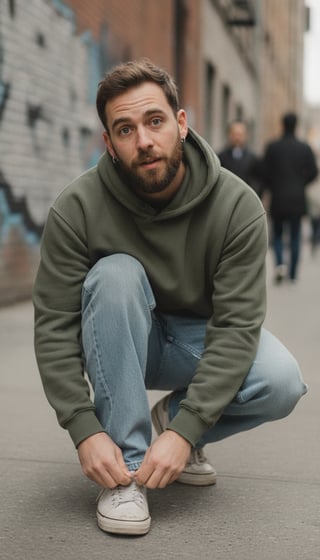
Photo 1
Ready to use
Step 2
Upload Your Photos
Add the photos the template asks for. A clear, well-lit photo works best.
Why ViraMova
Why people choose ViraMova
See it before you pay
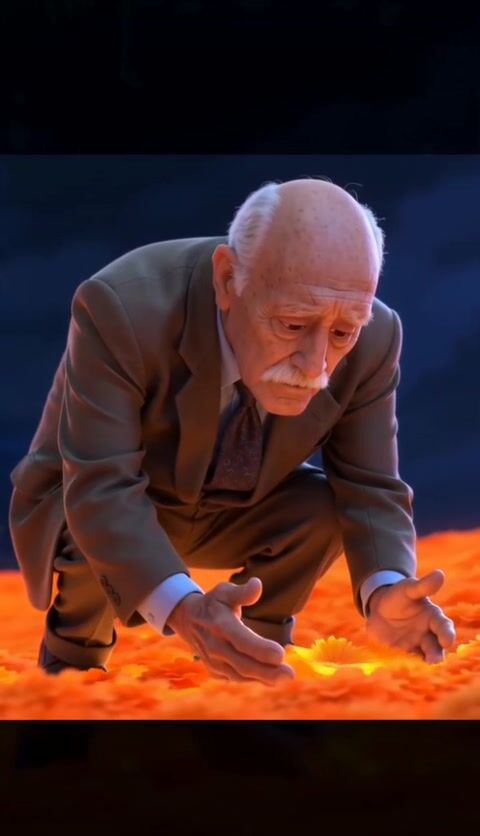
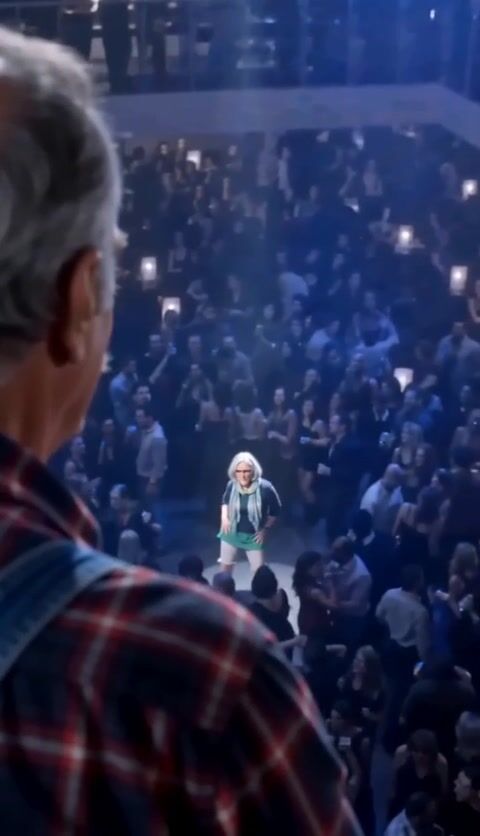
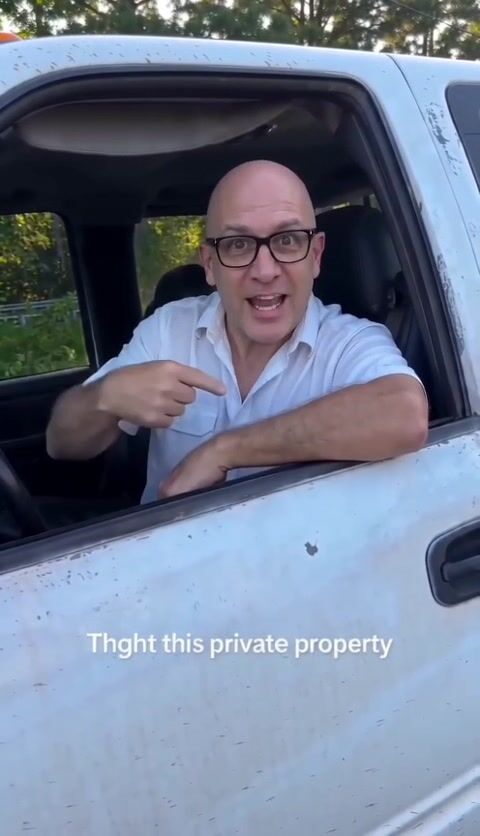
Every template shows a real sample made with the same recipe you will use.
Your photo
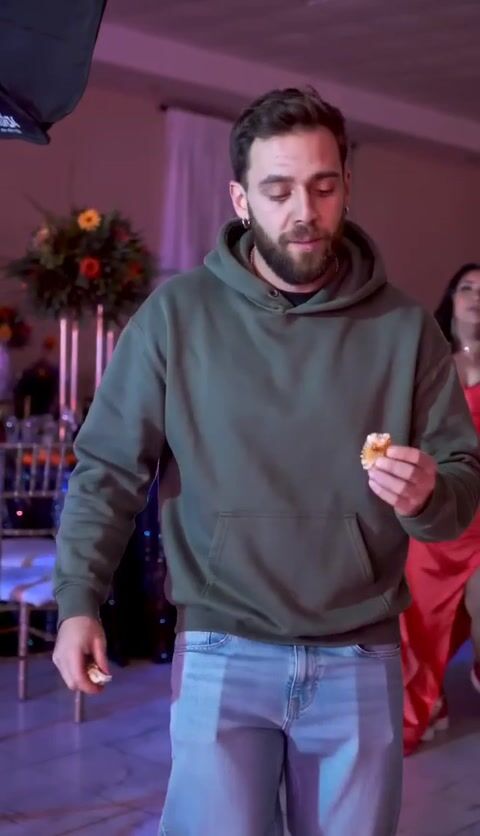
Your video
No prompts to write
Pick a style, add your photos, and that is the entire job.
Describe the video you want…
Just add a photo
Delete anytime
Remove a video from My Creations whenever you like, and the photos and video kept for it are deleted with it.
What Is a Viral AI Video?
A viral AI video is a short clip made by an AI video model in a style that is already spreading on short-video apps: a dance, a meme format, a pet trick or a film-style scene. Viewers already know the format, and the faces in it are yours, which is what makes people stop scrolling.
- 1
The hard part is already done.
Making one from scratch means writing a long prompt, trying several AI models and paying for the attempts that fail. We choose the model and test the instructions once, before a template goes live.
- 2
You see it before you pay.
Every template page shows a real sample made with real photos, so you know what you will get before you spend a credit.
- 3
Made by a small independent team.
Read who makes ViraMova and why, or write to us with a trend you want to see.
Viral AI Video Ideas by Category
Most viral AI videos fall into a handful of formats. Each asks for different photos and suits a different audience, so start from the one that fits what you want to post.
Dance trends
Put yourself, a friend, or a whole group into the dance everyone is posting this week, without learning the choreography.
- Pets
Turn a photo of your cat or dog into a clapping, dancing, or cinematic star. Pet templates are some of the most shared videos on short-video apps.
Funny and meme formats
Recreate the jokes and reaction formats that keep spreading, using your own faces and your own pets instead of stock footage.
Cinematic and AI effects
Short, polished scenes and visual effects that would normally need an editor, a camera crew, or hours of keyframing.
- Couples and friends
Templates that take two or more photos and place everyone in the same scene, ready to send to the people in it.
Viral AI Video Templates Compared with Other Ways to Make One
A template is the fastest way to a predictable result. A general AI video tool gives you more freedom and asks for more skill, and editing by hand gives full control at the cost of hours.
| ViraMova template | General AI video tool | Filming and editing | |
|---|---|---|---|
| Prompt writing | None, built into the template | You write and rewrite it | Not needed |
| Filming | None, photos only | None | Every shot |
| Result before paying | Real sample on every template | Usually not | Only when you finish |
| Time to a finished video | A few minutes | Several attempts | Hours |
| Failed renders | Credits returned automatically | Depends on the tool | Not applicable |
| Best for | Joining a trend quickly | Original ideas | Full creative control |
AI-generated samplePhoto Tips for a Better Viral AI Video
The photo is the one thing you control, and it matters most. The AI model can only keep what it can see, so a sharp, front-facing photo gives the most faithful result.
- Use a clear, well-lit photo where the face is sharp and turned toward the camera.
- Show the whole body for dance templates and a head-and-shoulders shot for face-led formats. Each template says which it needs.
- Avoid sunglasses, hands over the face, heavy filters and people cropped from a distant group shot.
- For templates with two or more people, upload one photo per person, each showing that person alone.
- Only upload photos of yourself or of people who have agreed.
Simple, transparent pricing
Buy credits once or subscribe. Each template shows its price before you generate, and credits come back if a video fails.
Credit Packs
One-time purchase, no subscription
Credits are valid for 12 months and never renew by themselves.
Pro
For regular creators
$24.99/ month
2,400 Credits / month
- Credits last for the billing month
- Up to 3 videos at once
- Use on all templates
- Credits returned if a video fails
- Cancel anytime
Business
For teams and heavy use
$59.99/ month
6,600 Credits / month
- Credits last for the billing month
- Up to 6 videos at once
- Use on all templates
- Credits returned if a video fails
- Cancel anytime
Studio
For daily, high-volume work
$149.99/ month
18,000 Credits / month
- Credits last for the billing month
- Up to 10 videos at once
- Use on all templates
- Credits returned if a video fails
- Cancel anytime
FAQ
Frequently asked questions
What is a viral AI video template?
It is a ready-made recipe for a video style that is already popular online. You add your own photos and ViraMova generates a new video in that style, with no prompt writing and no editing skills needed.
How do I make a viral AI video from my photo?
Choose a template, upload the photos it asks for, and press Generate. The video renders in the background, and when it finishes you can preview it and download it from My Creations.
Do I need to write a prompt?
No. Each template already contains the instructions that produce its look. You only choose the template and upload the right photos.
How much does a video cost?
Each template shows its price in credits on its own page before you generate. You buy credit packs from the pricing page and credits are deducted only when a generation starts.
What happens if a video fails to generate?
If the generation fails because of a service problem, a timeout, or an error on our side, the credits for that video are returned to your balance automatically. You can see every deduction and refund in your credit history.
Can I upload photos of other people?
Only upload photos of yourself or of people who have agreed to it. Do not upload photos of minors without a parent or guardian, or photos of public figures made to mislead. Content that breaks these rules can be removed and accounts can be closed.
Can I use the videos commercially?
Videos you make are for personal and social use. Some templates are based on public trends, so check the platform you post on for its own rules about AI-generated content and music.
How long does it take to make a viral AI video?
Most videos finish within a few minutes of pressing Generate. Longer templates that are made in several segments take a little more time. You can leave the page; the finished video waits for you in My Creations.
Where can I post a viral AI video made with ViraMova?
Download the finished video and post it on TikTok, Instagram Reels or YouTube Shorts, or send it in a chat. Each platform has its own rules on labelling AI-generated content, so check them before posting.
ViraMova vs a general AI video generator: which should I use?
Use ViraMova when you want to join a format that is already popular and get a predictable result without writing prompts. Use a general AI video generator when you have an original idea and are happy to write and test prompts yourself.
Still have a question? Write to hello@viramova.com.
Your next viral video is one photo away.
Pick a template, upload a photo, and get the video in minutes.
Get StartedOnly upload photos of yourself or people who have agreed. Privacy · Terms · Copyright & takedown