Library
AI Video Templates
Browse AI video templates for dance trends, memes, pets and film-style scenes. Every template was tested with real photos before it went live and shows a real sample. Pick one, upload your photos and get a ready-to-post video in minutes, with no prompt to write.
- Trending
- La Tormenta de Arena
- Te He Perdido Entre La Gente
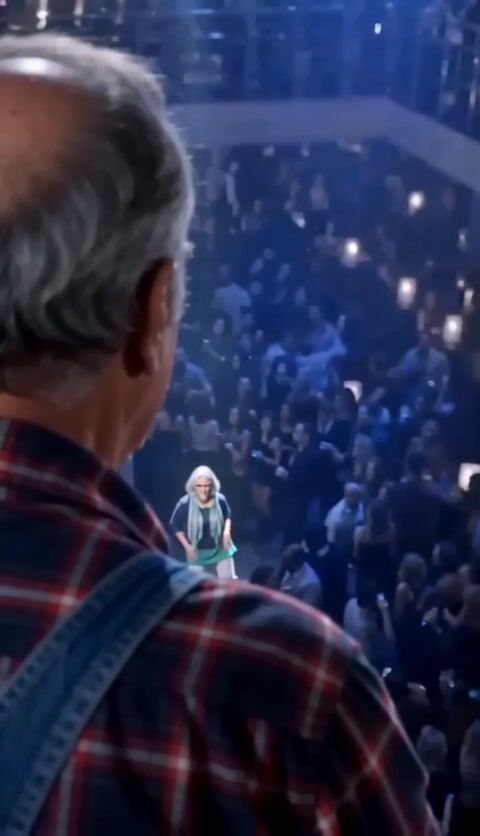
La Tormenta de Arena
Funny · 15s · 2 photos
- Trending
- Hit the Road Dude
- State Property
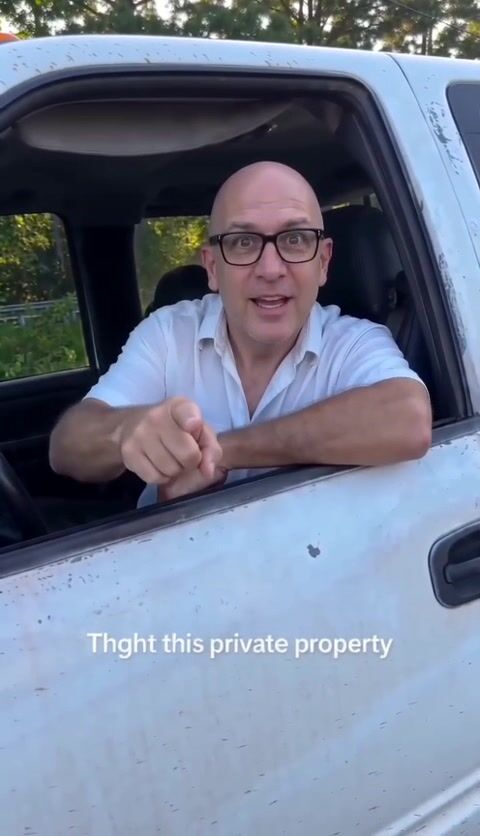
Hit the Road Dude
Funny · 13s
- Trending
- Window Peeper
- Window Peeper AI
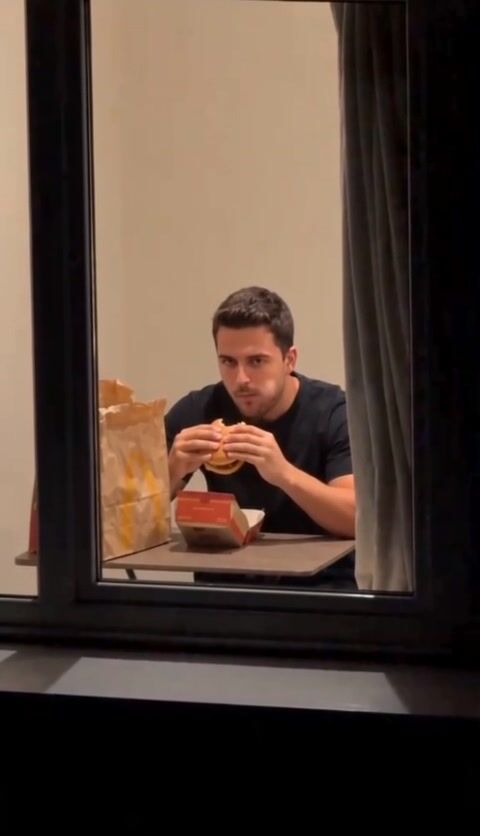
Window Peeper - Get Caught Eating a Burger at the Window
Funny · 15s
- Trending
- bby wow dance
- baby wow dance
Bby Wow Dance
Dance · 10s
- New
- zombie couple
- AI zombie trend
Zombie Couple
Cinematic · 15s · 2 photos
- Trending
- Lego Car Wash
- Lego Car Wash AI
Lego Car Wash
Cinematic · 15s
- gas station dance
- gas station dance AI
Gas Station Dance
Dance · 15s · 3 photos
- Trending
- bulin 47
- bulin 47 AI
bulin 47
Cinematic · 15s
- Trending
- ozil goal
- ozil goal ai
Ozil Goal
Cinematic · 15s
- Trending
- Smalltown Boy Dance
- Smalltown Boy AI
SmallTown Boy Dance
Dance · 15s · 2 photos
- Trending
- ChatGPT millionaire
- get a job meme
ChatGPT How To Become a Millionaire
Funny · 13s
- Trending
- 24 car trend
- unforgettable car
24 Trend Car
Cinematic · 12s
How to Use AI Video Templates
Using an AI video template takes four steps and no editing. The template already holds the motion, camera work and timing of the video; you supply the people.
- 1
Find a template
Filter the library by category or sort it, then open a template to watch its sample video.
- 2
Check what it needs
The template page shows how many photos it takes, which kind of photo works best and its price in credits.
- 3
Upload your photos
Add one photo for each place in the template. A sharp, well-lit photo gives the most faithful result.
- 4
Generate and download
Press Generate. The video renders in the background and appears in My Creations, ready to download and post.
What Makes These AI Video Templates Different
Every template in the library is tested before it is published. We run it with real photos, check that faces stay recognisable and that the motion matches the original format, and only then make it public.
Each template page shows a real sample made with the same recipe you will use and the price in credits before you generate.
If a video fails because of a service problem or an error on our side, the credits come back to your balance automatically. Templates added in the last seven days carry a New badge, so you can spot the latest additions at a glance.
AI Video Template Categories
The library is grouped by the kind of video each template makes. Each template states exactly which photos it needs; the table shows what to expect in each category.
| Category | What it makes | Photos it usually needs |
|---|---|---|
| Dance | You or a group doing a trending dance | One full-body photo per dancer |
| Pets | Your pet clapping, dancing or starring in a scene | A clear photo of the pet |
| Funny | Meme and reaction formats | A front-facing photo |
| Cinematic | Short film-style scenes | A sharp portrait |
| Couples | Two people in one scene | One photo of each person |
| AI Effects | Transformations and visual effects | A clear portrait |
| Fashion | Styled looks and runway moments | A full-body photo |
Where New AI Video Templates Come From
We watch TikTok, Instagram Reels and YouTube Shorts for formats that many people are copying. When one keeps spreading, we rebuild it as a template, test it with real photos and publish it once it works reliably.
The formats spreading right now are collected on the trending templates page.
Browse by kind of video from the dance, funny and cinematic categories, or see what a video costs.
Frequently asked questions
What are AI video templates?
An AI video template is a ready-made recipe for one video style. It contains the instructions, the AI model and the timing that produce the look, so you only add your photos to get your own version of the video.
Are AI video templates free to use?
Browsing the library and watching every sample is free. Making a video costs credits, and each template shows its price before you generate. Credit packs start at $9.99, and credits are returned automatically if a video fails.
How many photos does an AI video template need?
Most templates need one photo. Templates with two or more people ask for one photo per person, and the template page says exactly how many before you start.
How often are new AI video templates added?
A template is added whenever a new format passes our tests, so there is no fixed schedule. New templates carry a New badge for their first seven days.
Can I request an AI video template?
Yes. Send the link of the video or trend you want to hello@viramova.com. We build the requests that many people ask for first.
Last updated: